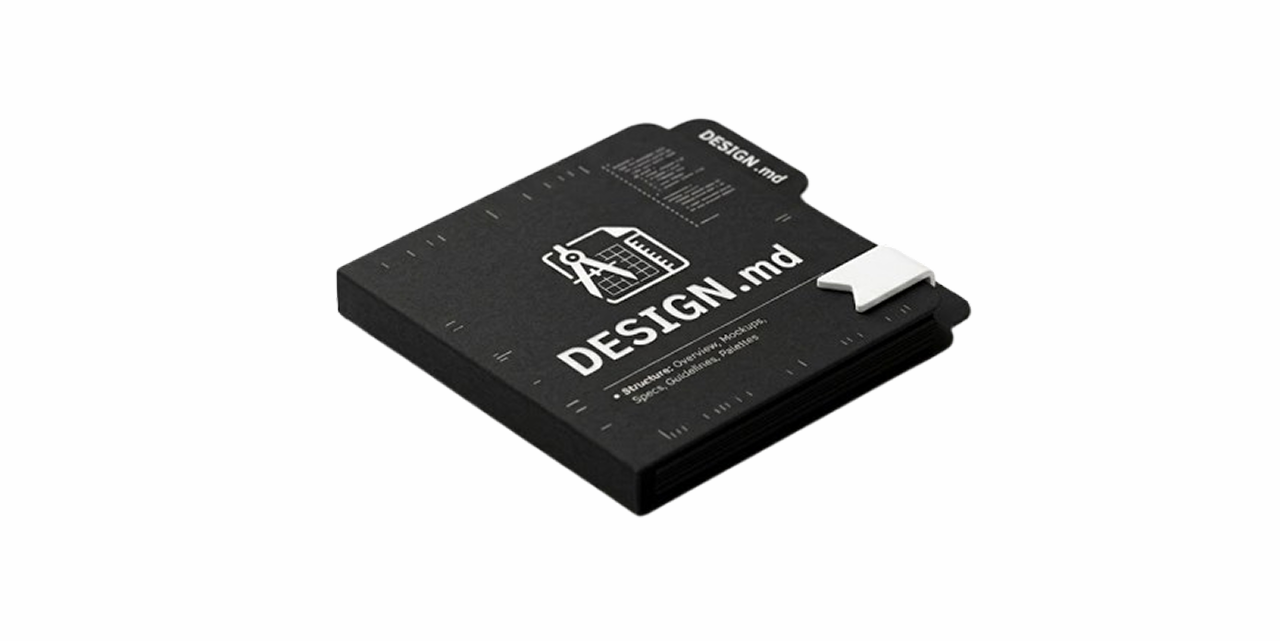
In the rapidly evolving landscape of AI-augmented product development, a critical friction point has emerged: the translation gap between design intent and automated code execution.
Modern LLMs are highly capable of generating working UI code and editing visual assets. However, they often lack a single, consistent source of truth. As a result, they struggle to apply design guidelines, design tokens, and system constraints consistently across an entire project.
The Problem
This challenge frequently leads to inconsistent outputs when using AI design generators. To bridge this gap, the concept of the Design.md file was introduced—a structured, human-readable, and machine-actionable Markdown specification that serves as a live workflow orchestration layer connected through MCP’s.
Making Design Consistent with AI
The concept of Design.md was originally introduced by Google within the Google Stitch ecosystem to solve the visual inconsistency problem in AI-driven development.
When AI agents are tasked with modifying code or generating components dynamically, prompting them with raw CSS files, large documentation wikis, or rigid JSON schemas often leads to:
- Hallucinated spacing scales
- Erratic color palettes
- Broken user flows
Google’s solution was simple and effective: use Markdown.Because Markdown is the plain-text format that large language models understand best, a single Design.md file placed at the root of a repository becomes the LLM’s design memory.
It establishes:
- Structural boundaries
- Color tokens
- Typography scales
- Component blueprints
- Workflow constraints
When a design agent like Google Stitch—or any MCP-connected AI agent—reads your DESIGN.md, every screen it generates follows the same visual rules: consistent colors, typography, and component patterns.
The DESIGN.md File Structure
A DESIGN.md file contains two layers:
- YAML Front Matter – Machine-readable design tokens such as exact HEX values, font properties, and spacing scales.
- Markdown Body – Human-readable design rationale and component guidance.
Example DESIGN.md
---system: Stitches Design Orchestration Workflowversion: 1.1.0framework: Astro + TailwindCSS and Island Architecturephilosophy: Minimalist, Keyboard-First, High Density---
# Design Tokens
## Colors
- Primitive Dark Scale:  - `--bg-void`: `#0d0e11` (Primary deep background)  - `--surface-card`: `#16181d` (Card or container background)
- Semantic Accents:  - `--brand-primary`: `#2563eb` (Interactive states & primary action button)  - `--text-high-contrast`: `#f3f4f6`
## Spacing & Responsive Grid
- Base Grid Unit: `4px`- Scale:  - `xs`: `4px`  - `sm`: `8px`  - `md`: `16px`  - `lg`: `24px`  - `xl`: `32px`- Container Constraints: Max desktop width `1200px`, responsive padding `md`
# Component Blueprints
## Data Card Component
- **Structure**: Outer container styled with `--surface-card`, rounded corners `6px`, border `1px solid #222`.- **Spacing**: Internal padding must strictly use the `md (16px)` scale factor.- **Interaction**: On hover, apply a `150ms` transition adding a subtle `1px` stroke matching `--brand-primary`.- **AI Rule Constraints**: Never inject absolute positioning or inline, unmapped HEX values.
Key Benefits of a Design.md-Driven Workflow
Using a dynamic Design.md file instead of static documentation provides product teams with several significant advantages.
1. Consistent Design System Output
Design.md serves as a strict reference for AI systems, ensuring that generated UI code adheres closely to the design system.
This reduces common inconsistencies such as:
- Incorrect spacing
- Wrong color values
- Unapproved component variations
The result is more reliable and predictable design output.
2. Unified Source of Truth
Instead of splitting design logic between tools like Claude Design, Stitches and code repositories, Design.md bridges both. Because it is both human-readable and machine-actionable, it can be updated programmatically and consumed directly by AI agents, keeping design and development continuously aligned.
3. Faster Development Cycles
New screens and components can be created much faster. Designers update layouts and tokens, and AI agents convert those changes into production-ready code that integrates seamlessly with the existing technology stack.
This dramatically reduces manual implementation effort.
4. Built-in Quality Control
Design rules for:
- Layout structure
- Accessibility
- Interaction patterns
- Component constraints
can all be defined directly inside Design.md.
The AI uses these rules to validate its own output, helping catch issues early before they reach review or production.
Conclusion
The Design.md file marks a massive paradigm shift in software engineering and product design. It changes markdown from static post-rationalized documentation into a live, interactive orchestration asset.
By pairing Google’s structural methodology with open ecosystems like the Model Context Protocol, systems like eg: Stitches turn the traditional, fragmented design-to-development handoff into a continuous, automated feedback loop. The future of design is not just a canvas or a codebase—it is an AI agent dynamically maintaining harmony between both through a single file.
With DESIGN.md, any large language model can understand your design language and generate highly refined, consistent user interfaces.
The prompt gives structure.`DESIGN.md` provides the visual DNA.Refinement makes the result feel intentionally designed.References
Here is a collection of ready-to-use DESIGN.md resources that make it possible to replicate the design systems of major brands:
I am available for new projects. Let’s collaborate and build something great together.